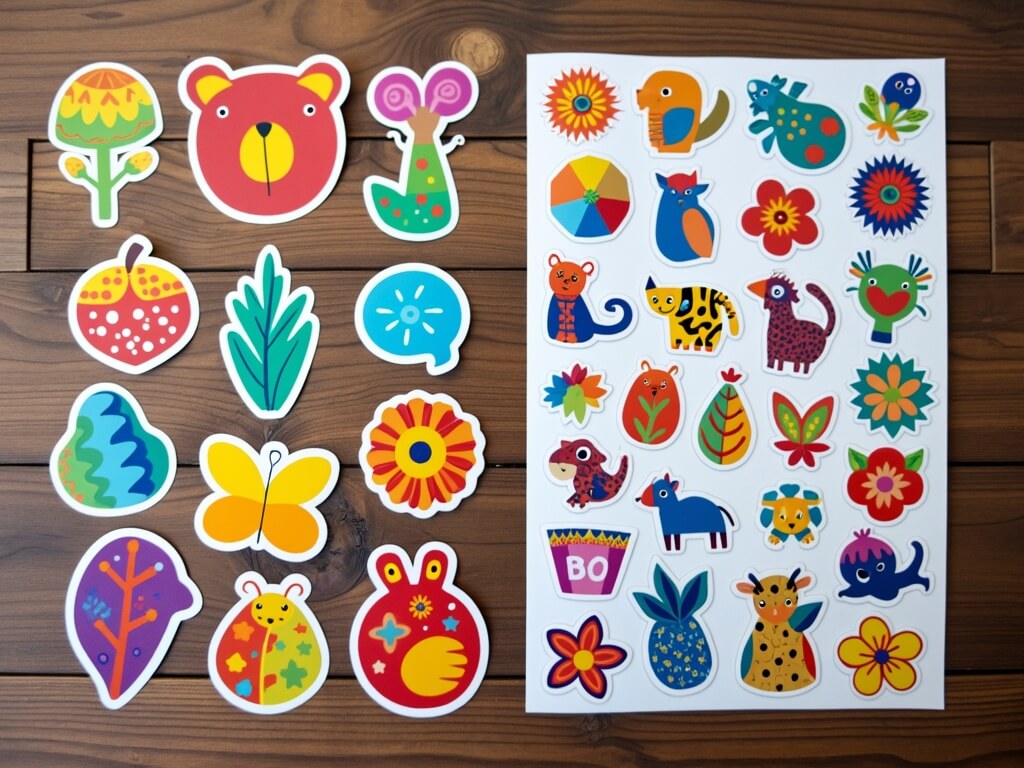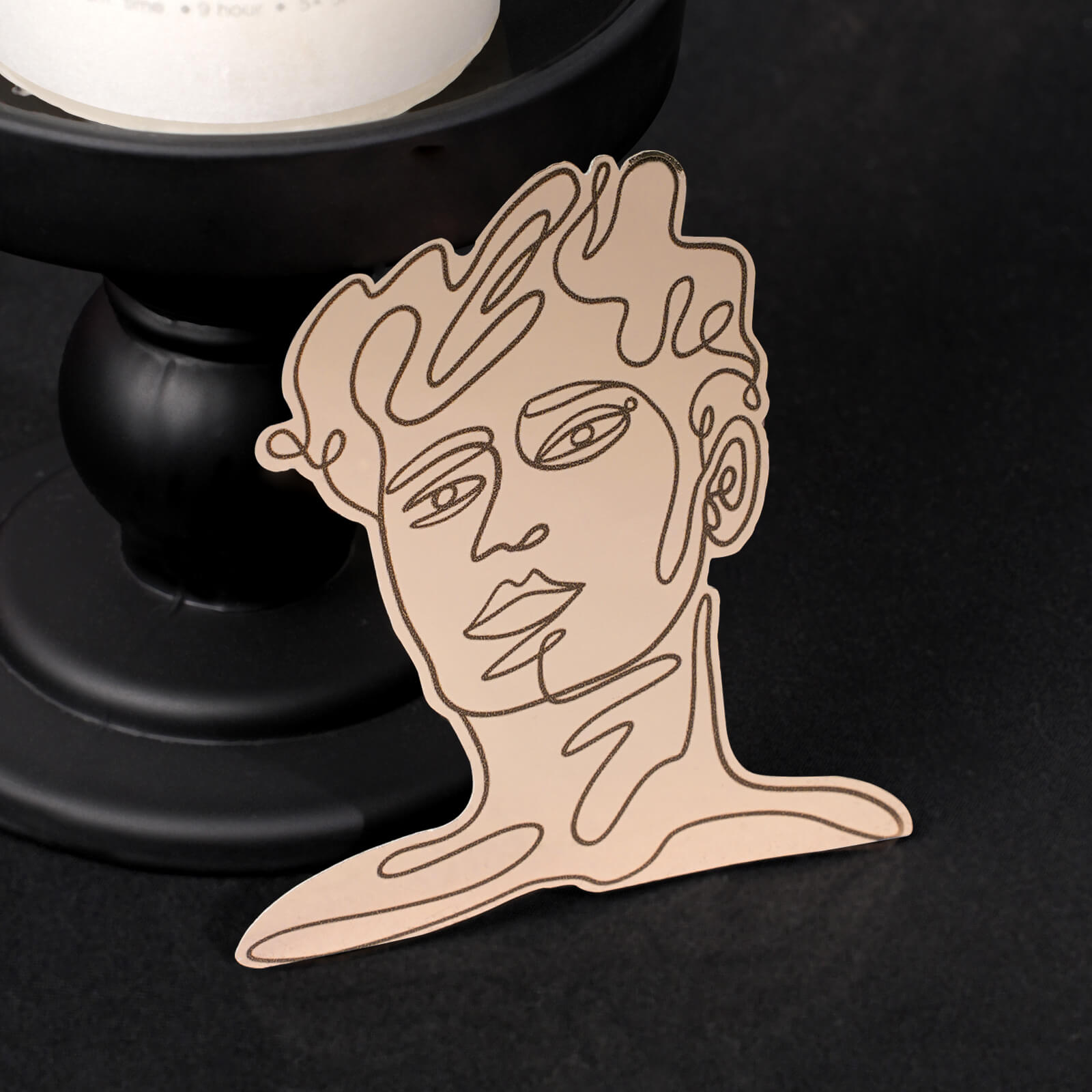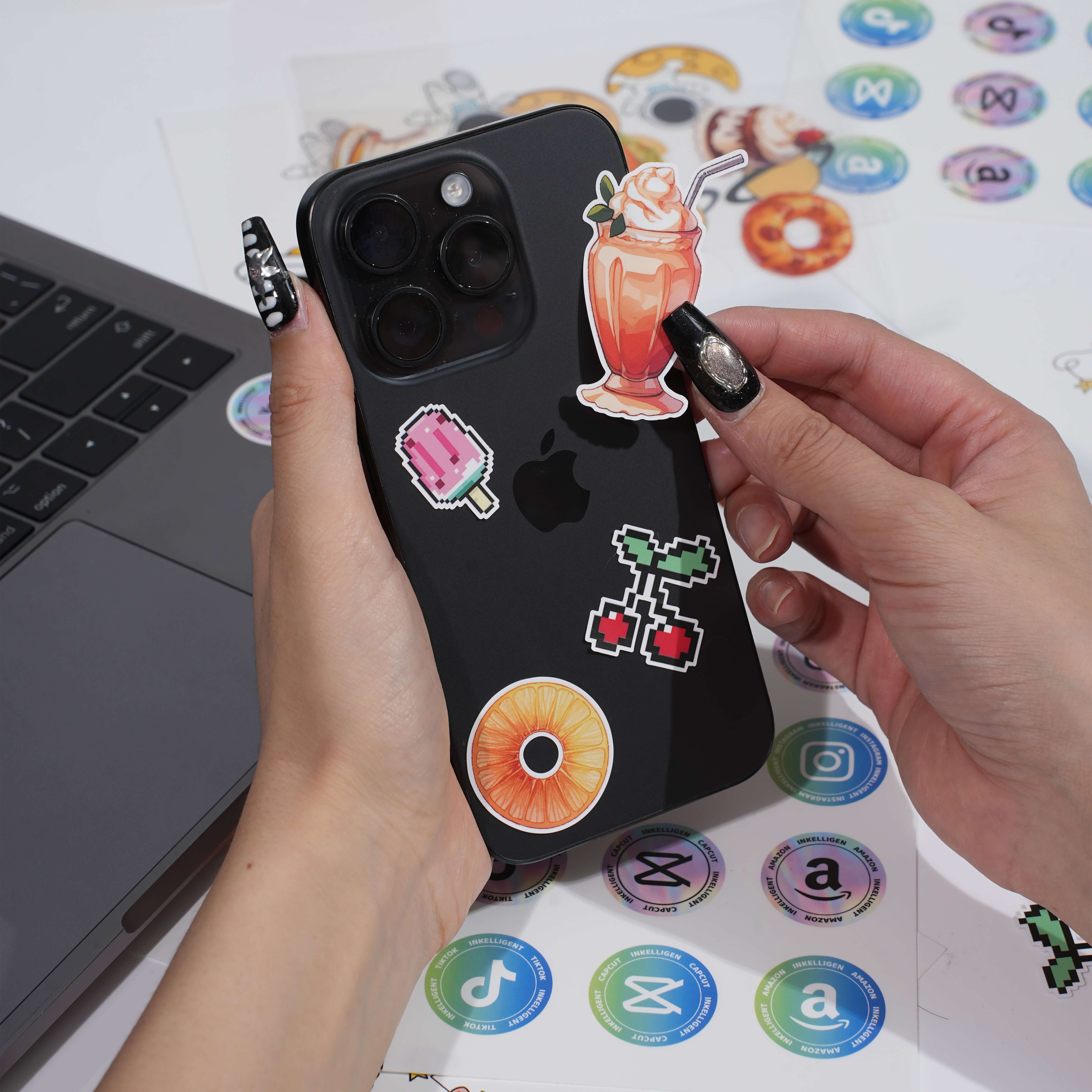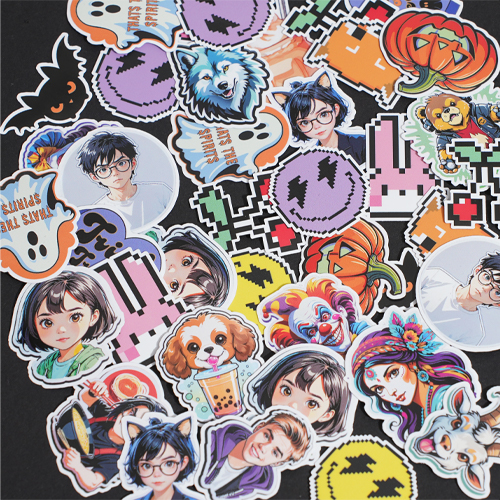
Want to create fun, personalized stickers without the hassle of designing from scratch? Thanks to AI sticker generators, you can now bring your ideas to life quickly and effortlessly. Whether it’s for social media, gifts, or personal projects, AI-generated stickers make the process both exciting and straightforward.
This guide will walk you through how to create stunning stickers with AI. We’ll explain how LLMs (Large Language Models) and sticker generators work, share tips for crafting great prompts, and show you how to use AI sticker generator to design amazing, personalized stickers in just a few simple steps.
Steps for Creating AI Stickers
Making your own stickers with AI is a simple and fun process. Here’s how to get started:
- Use LLMs to generate sticker prompts: Large Language Models like GPT-4 can help you brainstorm creative and precise text prompts for your stickers. Think of these prompts as the blueprint for your design.
- Use an AI sticker generator: Our AI sticker generator takes your prompt and transforms it into a unique sticker design based on your idea.
- Tweak the prompts for better results: If the sticker isn’t quite what you envisioned, refine your prompt by adding details or adjusting the style.
- Experiment and refine: Keep trying different prompts, styles, or themes until you’ve created the perfect sticker.
This process is not just easy—it’s also incredibly fun. Let’s first dive deeper into how LLMs and AI sticker generators work to better understand the magic behind creating AI stickers.
How LLMs and AI Sticker Generators Work
The Role of LLMs in Crafting Prompts
LLMs—like GPT-4—are powerful tools for generating creative and detailed sticker descriptions, also called prompts. These models are trained on vast amounts of data, making them great at helping you brainstorm ideas or refine your vision.
For example, you can ask an LLM to create a prompt like:
"A cute cartoon-style panda holding a balloon, surrounded by colorful confetti."
The more specific you are, the closer the prompt aligns with your vision. LLMs make it easy to brainstorm, tweak, and perfect your ideas before sending them to an AI sticker generator.
How AI Sticker Generators Turn Prompts into Stickers
Once you have a prompt, the AI sticker generator takes over and transforms your description into a visual design. It analyzes keywords like “cartoon style” or “hand-drawn” to decide the artistic style, while specific details like “a cat wearing a bow tie” guide the subject and composition.
The AI uses deep learning algorithms trained on massive datasets to match your prompt to a high-quality design. For example, a prompt like “a cartoon-style black cat with a witch’s hat on a pumpkin” ensures the AI captures the cat, hat, and background with the chosen style.
In seconds, the AI renders a polished sticker. If it’s not quite right, you can refine the prompt (e.g., add colors or extra details) to get closer to your vision. The process is quick, creative, and flexible!
Understanding Prompts
A prompt is the foundation of any AI-generated sticker. Think of it as giving the AI a set of clear instructions. The more specific and detailed your prompt, the better the result will be.
For example:
· Vague prompt: “a cat” → Results in a very generic design.
· Detailed prompt: “a cartoon-style black cat wearing a witch’s hat, sitting on a pumpkin under a full moon” → Results in a visually rich and specific sticker design.
Prompts can include details about:
· Subject: What the sticker should depict (e.g., an animal, character, or object).
· Style: The artistic style you prefer (e.g., cartoon, hand-drawn, minimalist).
· Details: Colors, accessories, background elements, or additional features.
Tips for Crafting Effective Sticker Prompts
1. Clearly Define the Subject
Be as specific as possible about what you want the sticker to feature. For example:
· Instead of “a cute sticker,” try: “a cartoon-style fox holding a coffee cup.”
· Replace “an animal” with: “a fluffy panda wearing a red scarf, sitting on a bamboo swing.”
· Expand “a character” to: “a superhero girl in a blue cape flying over a city at sunset.”
The more specific you are, the closer the result will match your vision.
2. Specify the Artistic Style
Let the AI know what style you’d like for your sticker. Here are some examples:
· Cartoon style: Fun, playful, and colorful designs.
o “A cartoon-style dog wearing a party hat and holding a balloon.”
o “A cartoon penguin sliding on ice with a cheerful background.”
· Hand-drawn style: Soft and artistic.
o “A hand-drawn sunflower in pastel colors.”
o “A hand-drawn bunny holding a basket of Easter eggs, surrounded by flowers.”
· Pixel art style: Retro, video game-inspired designs.
o “A pixel art knight with a sword and shield standing on a grassy hill.”
o “A pixel art spaceship flying through a galaxy filled with stars.”
· Watercolor style: Dreamy and creative.
o “A watercolor hummingbird hovering near a blooming flower.”
o “A watercolor landscape with mountains and a serene lake.”
· Minimalist style: Clean and simple.
o “A minimalist black-and-white cat silhouette with a tiny heart.”
o “A minimalist cactus in a geometric pot.”
Choosing a style helps the AI create stickers that align with your aesthetic!
3. Add Specific Details
The more detailed your prompt, the better the result. For example:
· Instead of “a robot,” try:
o “A smiling robot with glowing blue eyes, holding a bouquet of flowers in a futuristic city.”
o “A steampunk-style robot with gears and a top hat.”
· Instead of “a dog,” try:
o “A golden retriever puppy sitting in a flower field, wearing a red bowtie.”
o “A Dalmatian in a firefighter’s helmet standing next to a fire truck.”
· Instead of “a car,” try:
o “A vintage red convertible parked on a beach at sunset, with surfboards in the backseat.”
o “A futuristic electric car with glowing wheels, speeding down a neon-lit highway.”
Adding elements like clothing, accessories, or background scenery further refines the sticker design to ensure it tells a story or captures a specific mood. Be as creative and detailed as possible to get the best results!
4. Keep Prompts Concise
While details are important, avoid overly long or complicated prompts. A short, clear sentence is easier for the model to interpret and yields better results.
5. Refine Through Iteration
AI designs improve with experimentation. If the first result isn’t perfect, try adjusting the prompt by:
· Rephrasing it for clarity.
· Adding or removing specific details.
· Changing the artistic style or theme.
Iteration is key to mastering the use of AI sticker generators.
Overview of Popular Text-to-Image Models
Looking to create amazing stickers? Some incredible AI tools lead the way in text-to-image generation. Here’s a quick, friendly guide to the most popular ones and what makes them special:
1. The DALL·E Series
Created by OpenAI, DALL·E is perfect for generating high-quality, detailed visuals from text prompts. It’s super user-friendly and works for all kinds of sticker designs—from playful cartoons to imaginative fantasy creations. Whether you’re a beginner or a pro, DALL·E makes it easy to turn your ideas into vibrant, creative results.
2. Stable Diffusion
If you love experimenting, Stable Diffusion is a fantastic choice. This open-source tool is flexible, handling styles like realistic, artistic, or abstract with ease. It’s great for stickers with complex details—think unique backgrounds, intricate textures, or layered designs. Perfect for hobbyists and professionals alike, Stable Diffusion is all about creative exploration!
3. MidJourney
For bold and artistic designs, MidJourney is a favorite. It specializes in eye-catching visuals with dramatic colors and textures, making it ideal for stickers with a unique, creative vibe. Whether you’re crafting surreal creatures or painterly masterpieces, MidJourney is the go-to for adding an artistic flair to your projects.
4. Imagen
Developed by Google, Imagen shines at producing photorealistic and detailed visuals. It’s perfect for lifelike designs, such as realistic animals, landscapes, or portraits. Imagen also balances realism with creativity, making it a versatile option for all kinds of sticker ideas. If you want designs that look polished and professional, Imagen is a great pick!
Practical Guide: Generating Stickers with Our AI Sticker Generator
I'll show you how to use our AI sticker feature to easily create your own personalized AI stickers. We offer two fun and easy-to-use models: Face to Stickers and Text to Stickers. Let me walk you through each one step by step.
1. Face to Stickers
Turn your own photo into a personalized sticker!
Steps to Use:
- Click “Face to Sticker” and upload a clear picture of someone’s face.
- Click “Generate stickers” and let the AI create your sticker.
- Then you get a sticker! Click “Download” to download this sticker.
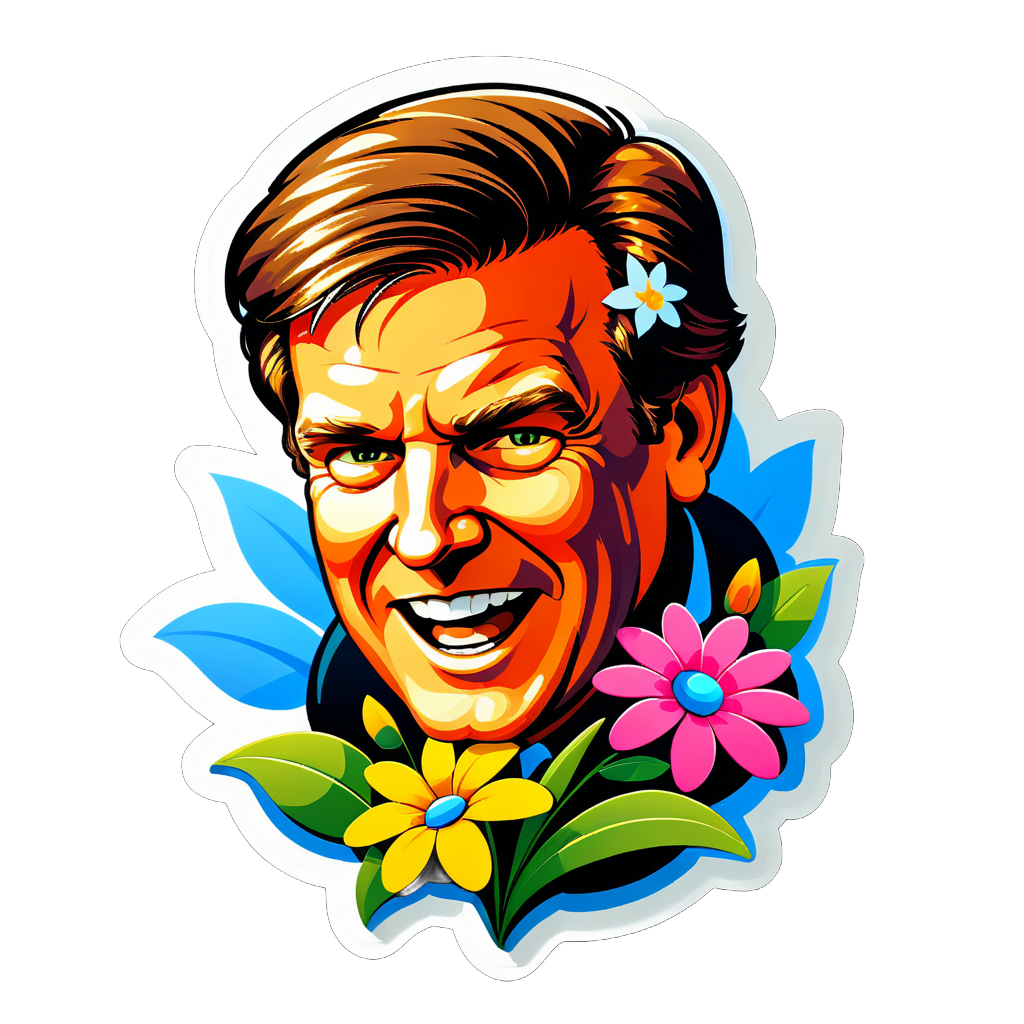
- If you’re not happy with the result, you can tweak the style or prompt to improve it.
Tips for Using the Face to Stickers Model
· Choose a High-Quality Photo: Make sure the photo you upload is clear, well-lit, and focused on the face. Blurry or low-resolution images can affect the quality of the sticker.
· Experiment with Styles: Try different styles or themes to see what works best for your photo. For example, “cartoon style with flowers” creates a playful vibe, while “minimalist black-and-white” gives a sleek and modern look.
· Refine the Results: If the initial sticker doesn’t meet your expectations, tweak the style description. Adding or removing details can significantly alter the final sticker.
· Use for Personalization: Face to Stickers is perfect for personalized gifts or fun social media avatars. Experiment with fun props or seasonal themes (e.g., “Christmas hat with snowflakes” or “Halloween pumpkin background”).
· Keep it Simple: Overloading the description with too many details can confuse the AI. Stick to one or two key elements for the best results.
2. Text to Stickers
Create stickers directly from your imagination!
Steps to Use:
- Click “Text to Sticker” and enter a descriptive prompt (e.g., “A cartoon-style unicorn wearing a crown shaped like stars with a rainbow background, surrounded by sparkling magical dust for a whimsical and enchanting atmosphere.”).
- Click “Generate stickers” to see your design come to life.
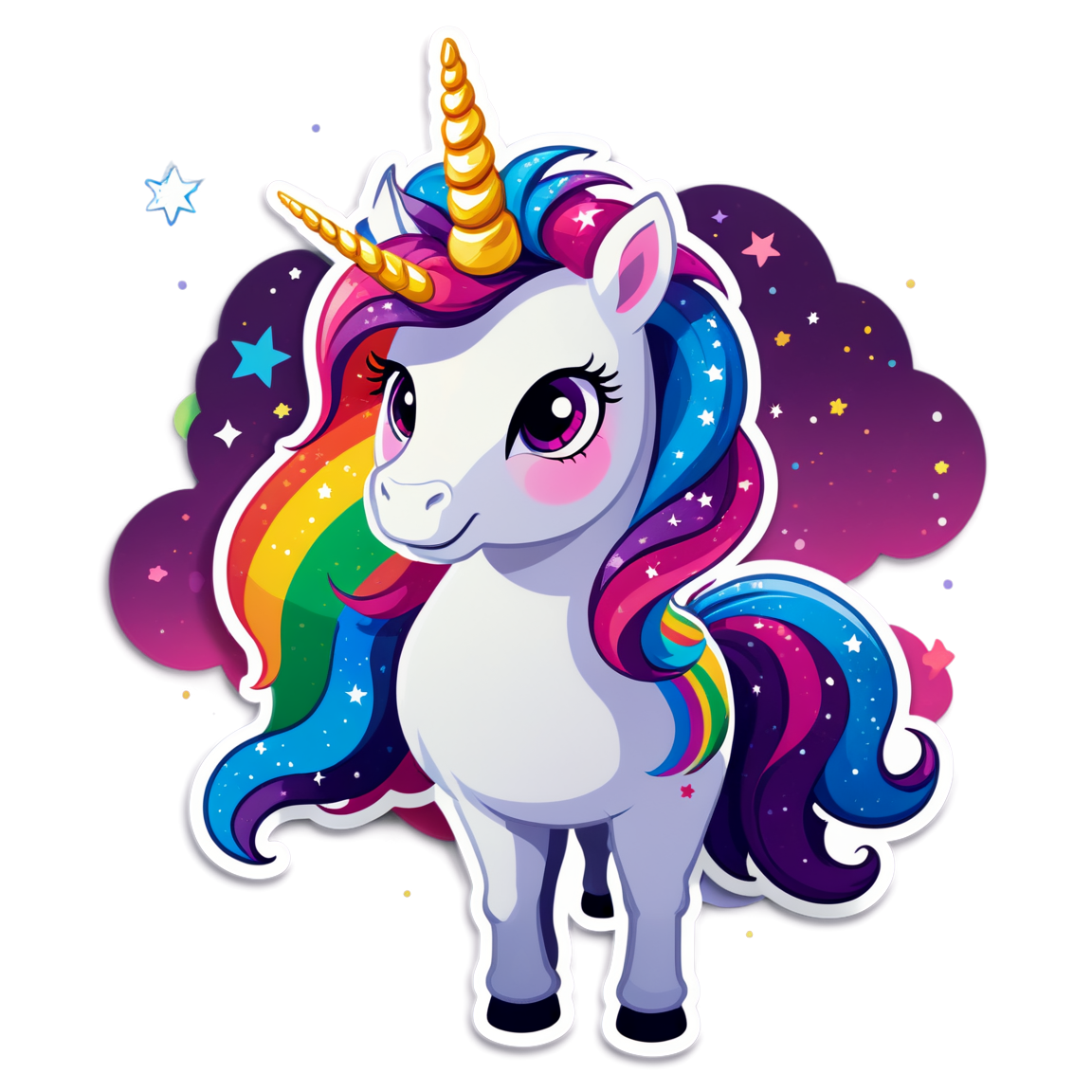
- Refine the prompt or experiment with different styles to perfect your sticker.
Tips for Using the Text to Stickers Model
· Be Specific: Write clear prompts with details about subject, style, and background (e.g., “A cartoon-style unicorn with a rainbow mane in a field of daisies”).
· Choose a Style: Mention an artistic style like “cartoon,” “watercolor,” or “minimalist” to guide the design.
· Add Background Details: To make your sticker more dynamic, include background elements. For instance, instead of “a panda,” try “a panda sitting on a bamboo swing surrounded by cherry blossoms.”
· Iterate and Experiment: Don’t be afraid to refine your prompt. If the result isn’t what you imagined, adjust the description to add or simplify details. Play around with different styles and themes to discover what works best.
· Use Keywords for Effects: Include words like “sparkling,” “vibrant,” or “dreamy” for specific effects. For example, “a dreamy watercolor moon with sparkling stars in the background” creates a magical atmosphere.
· Draw Inspiration: If you’re unsure where to start, think about themes or aesthetics that inspire you—seasonal designs, fantasy elements, or even pop culture references can spark fun ideas.
Creating stickers with AI is simple, fun, and incredibly rewarding. With tools like LLMs and our AI sticker generator, you can effortlessly design unique and eye-catching stickers for any purpose. The key is to experiment with prompts, refine your ideas, and let your creativity shine.
Start exploring the world of AI-generated stickers today and bring your imagination to life—one sticker at a time!